
From Pencil to Pixel: Why AI Video Ad Production Still Needs 3D Previz
The AI-generated ad in your feed probably has one problem you can't quite name: the product isn't in the same spot from cut to cut. The counter shifts. The light direction changes for no reason. It's not bad, exactly; it's just slightly untethered. That drift is the actual bottleneck in AI video ad production right now, and it's not a prompting problem. It's a previz problem.
We recently ran a spec campaign for an all-in-one supplement drink through our full pipeline, from pencil storyboard to finished 40-second spot, and it's a good illustration of how the AI part of the process fits into a much older discipline. Here's the breakdown.
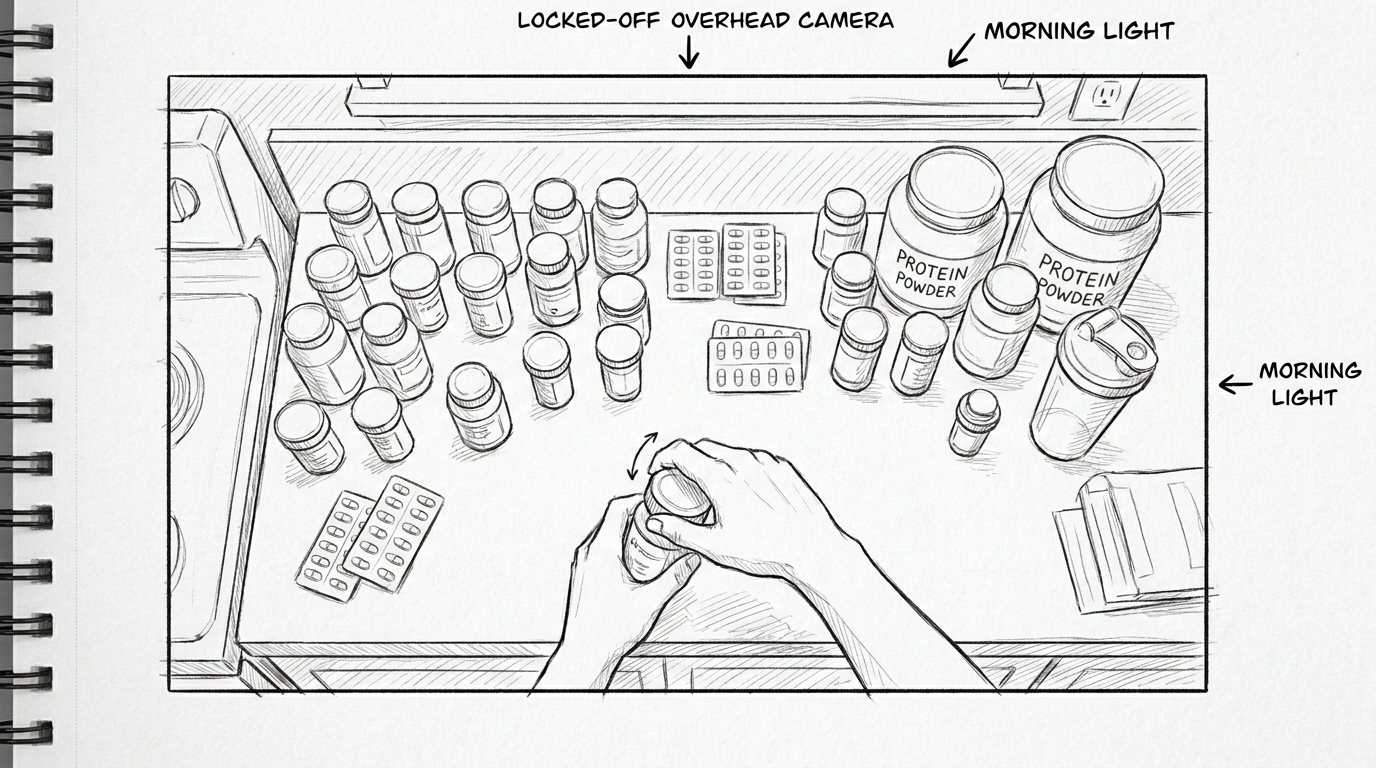
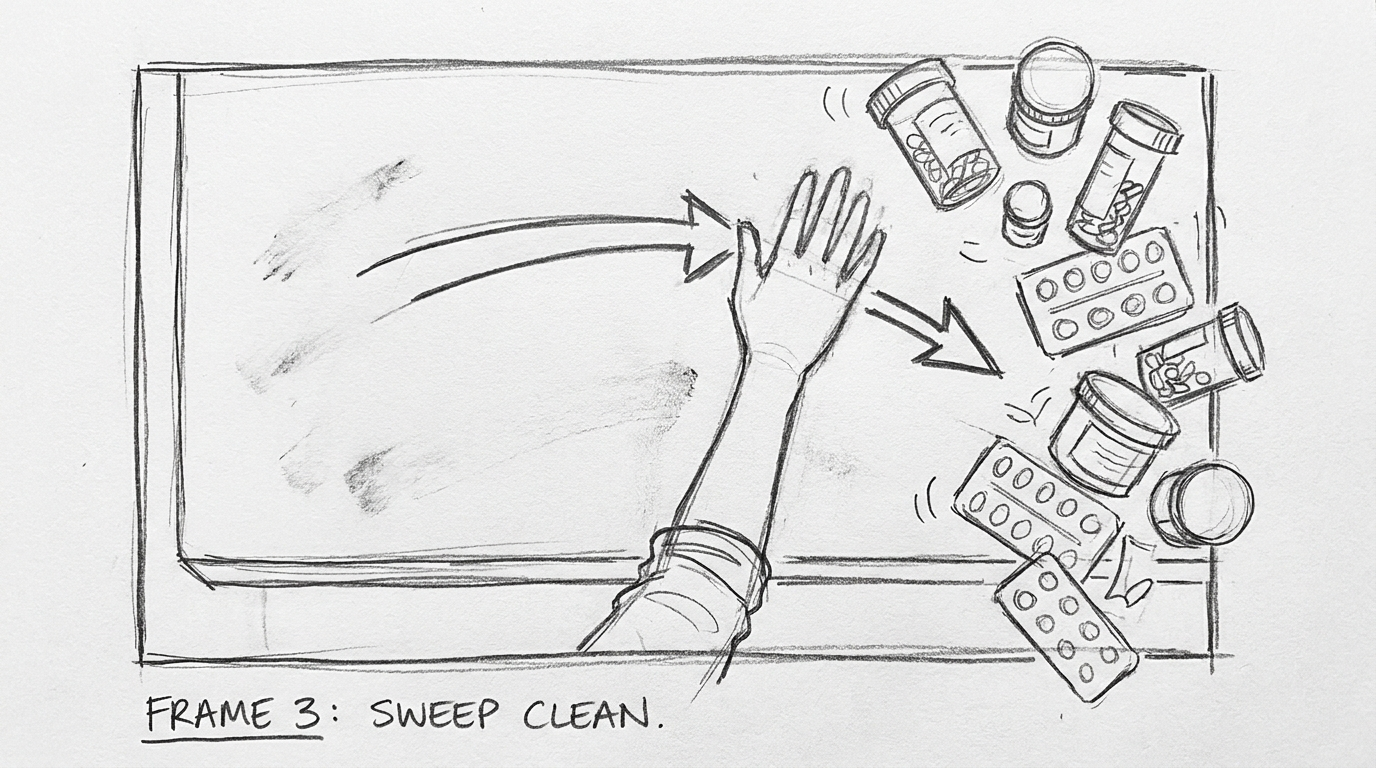
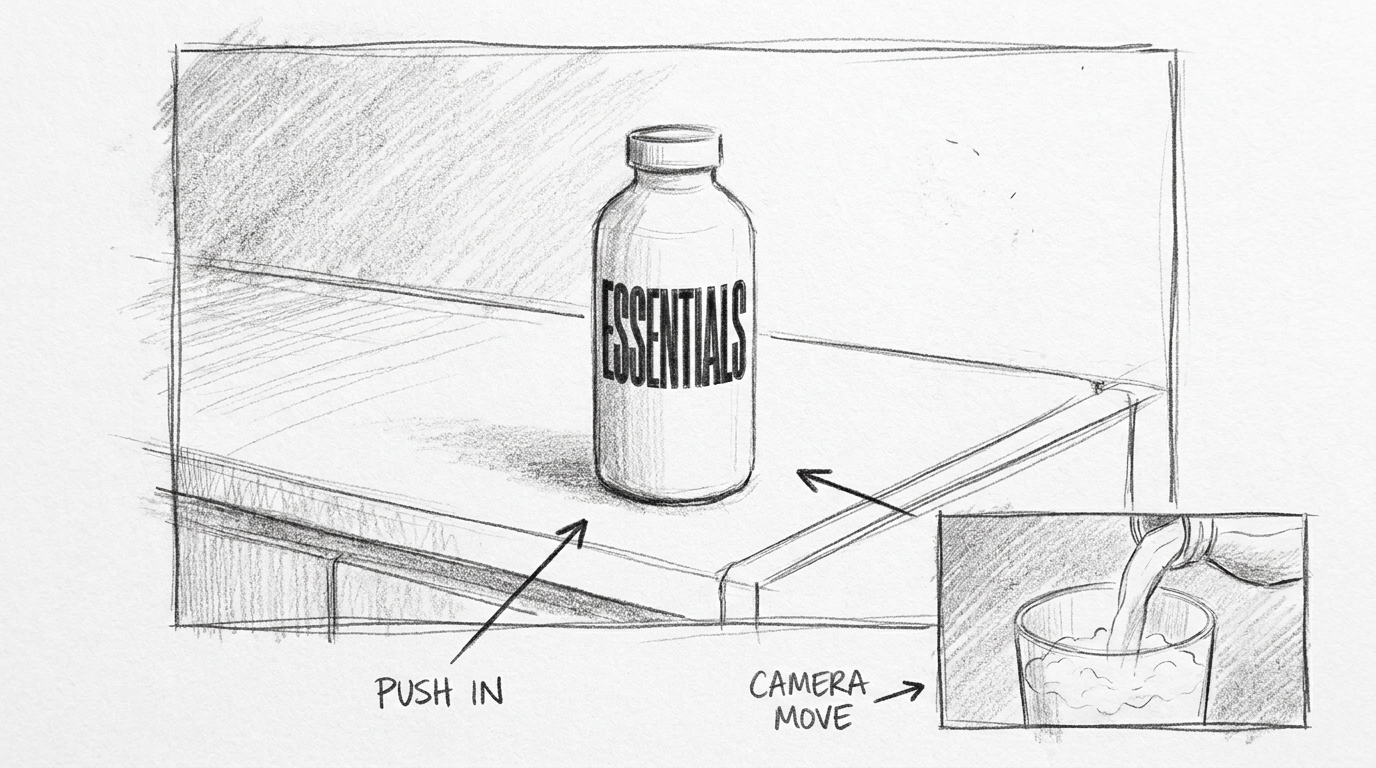
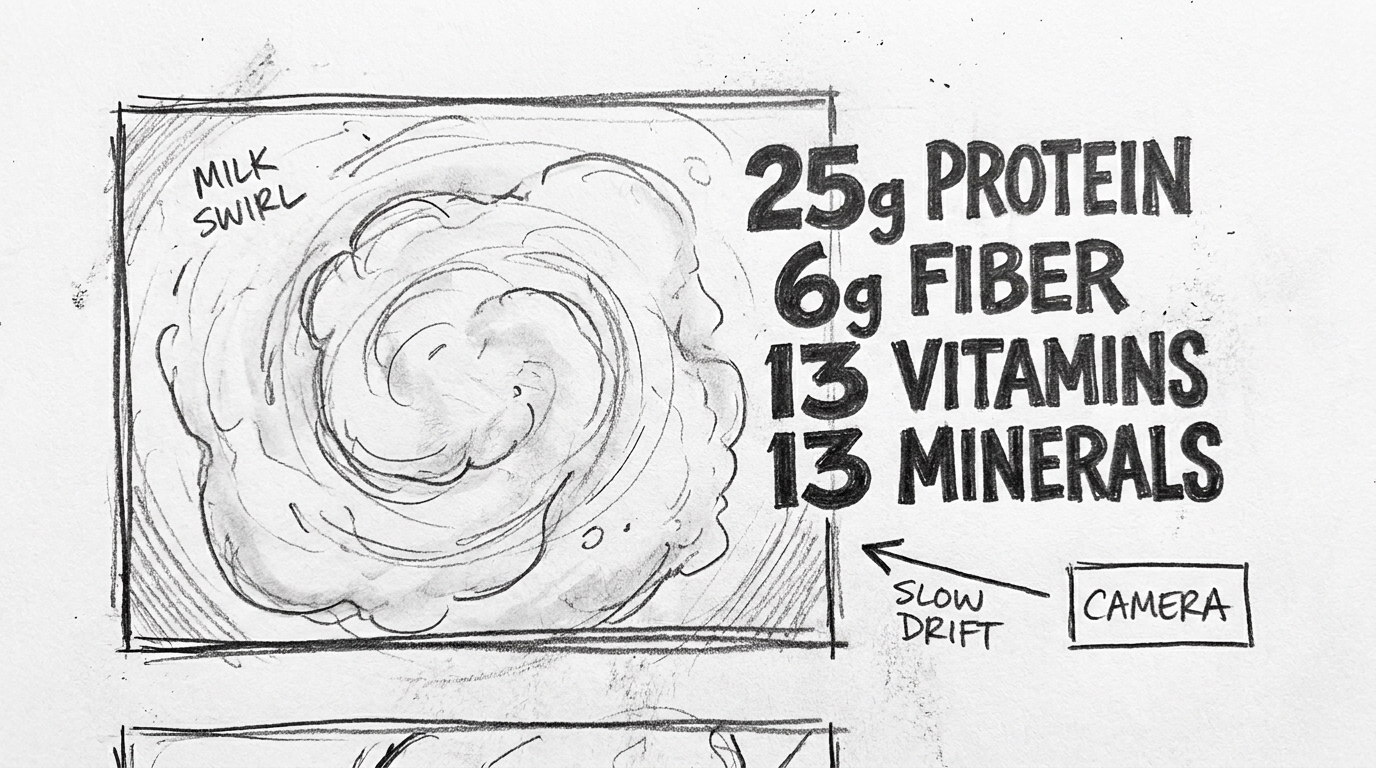
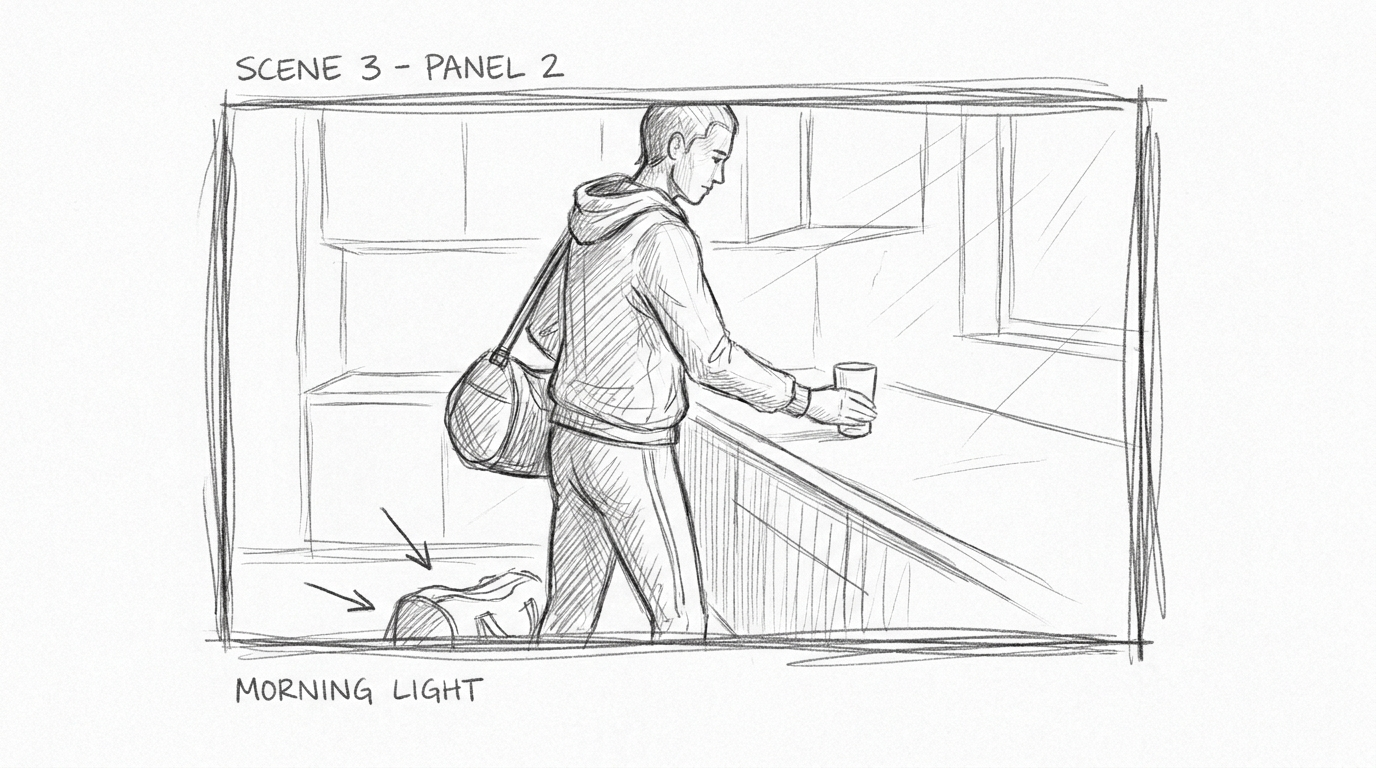
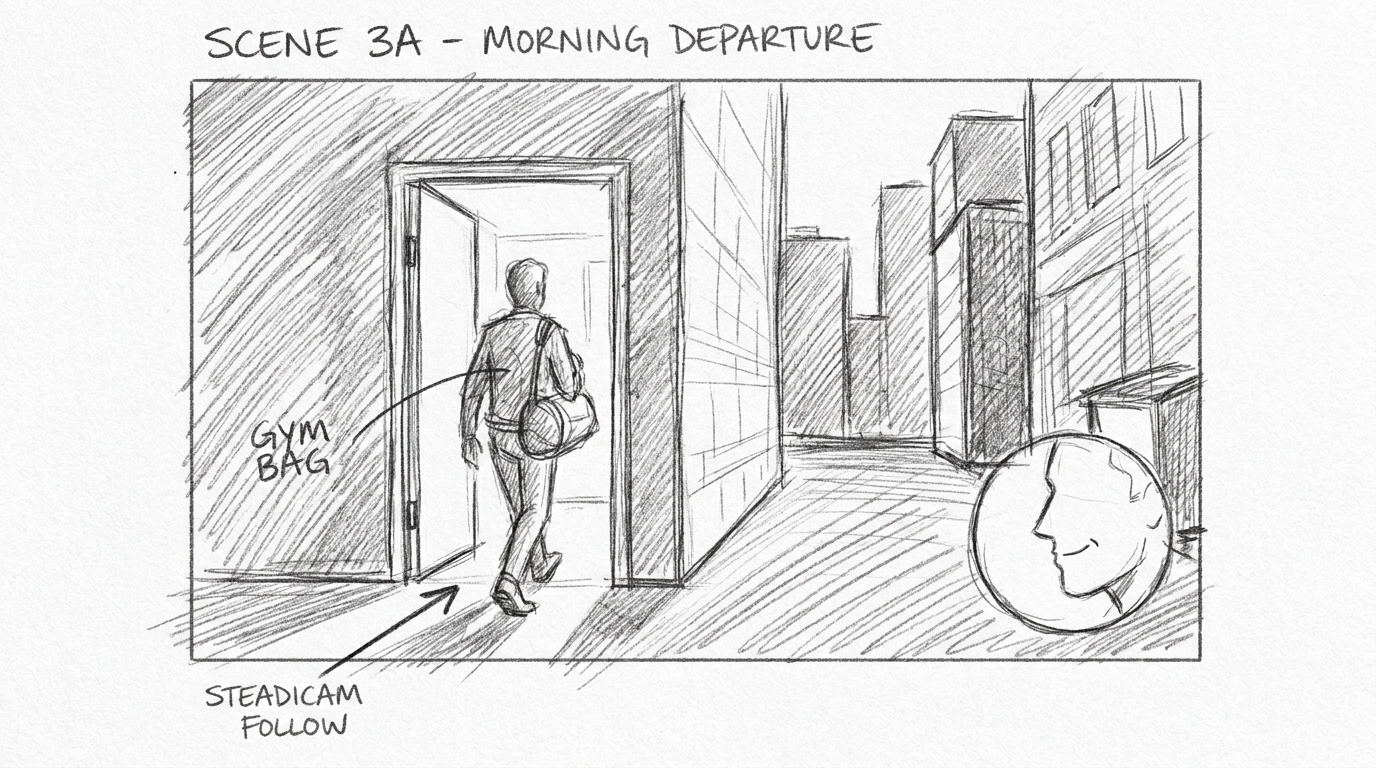
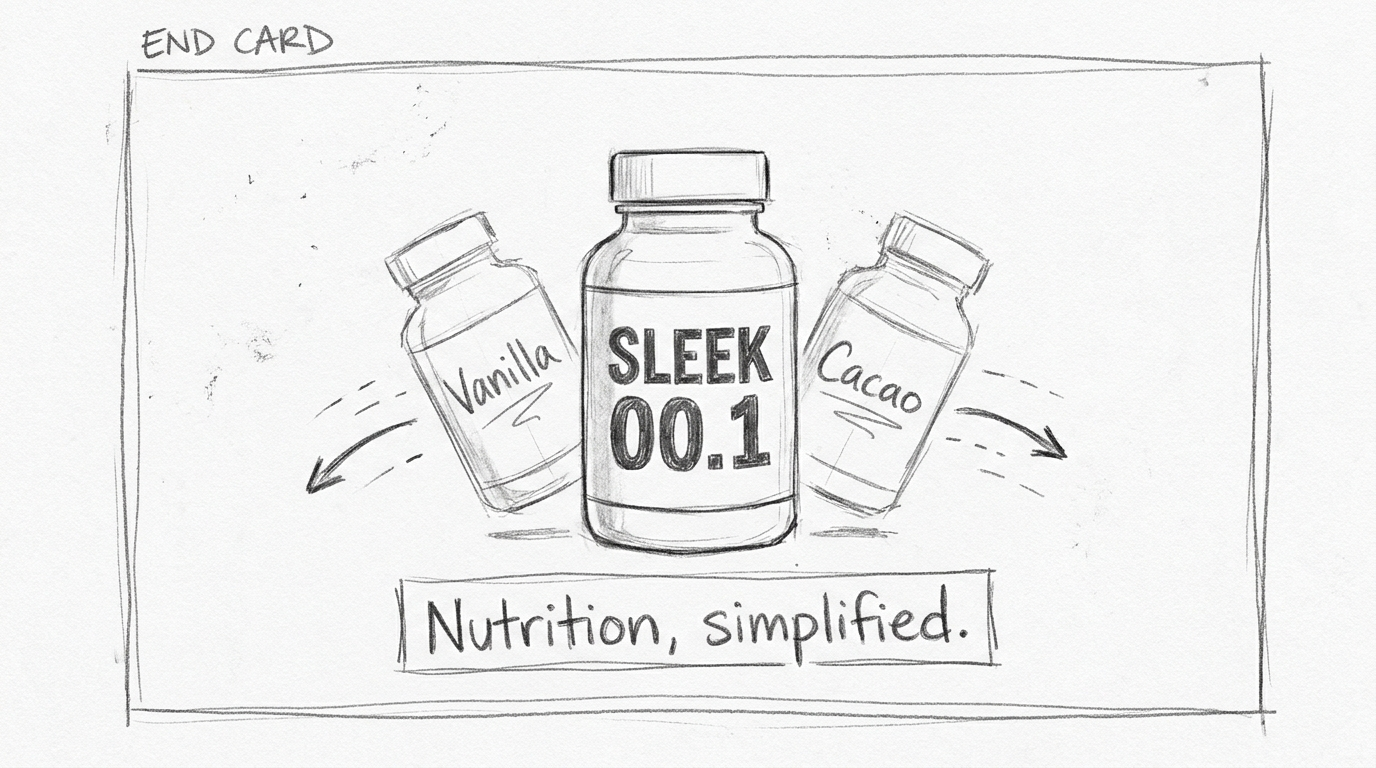
Why the storyboard still comes first
Every frame started as pencil on paper: locked-off top-down shots, a steadicam follow out a door, a macro pour with a specific camera drift called out by hand. Nothing about generative video changes this step. If anything it raises the stakes on it, because a storyboard isn't just a mood reference anymore; it's the shot list an AI model has to be steered toward, frame by frame.
The two spots we storyboarded shared one visual language on purpose: white liquid macros, black typography, the same urban athlete cast. That's a production decision, not a creative flourish. Shared assets mean shared reference footage later, which matters a lot once you're asking a generative model to stay consistent across dozens of shots instead of one.
The 3D block-out: cheap insurance against drift
This is the step most AI-video explainers skip, and it's the one that actually saves the shot. Before anything gets generated, we build a rough scene in 3ds Max: correct proportions, a locked camera, basic lighting direction, geometry standing in for the final product. No textures worth mentioning. It looks like a grey-shaded viewport render because that's exactly what it is.
What that gives the generative model is something to be faithful to, instead of something to reinterpret from a text prompt alone. Camera position, subject scale, timing, all of it gets fixed before the AI touches the shot. Reallusion made the same point in their 2026 production notes: 3D works as "a precision control layer for cameras, motion, and layout" while the AI model handles visual richness, expression, and physics. That's the honest division of labor. The block-out isn't previz theater; it's the thing that stops the counter from drifting between frame 40 and frame 240 of the same shot.
Generating the shot: what the AI models are actually doing
With the block-out and audio reference locked, the generation pass runs through Seedance 2.0 and a Google video model, feeding the 3D reference frames and storyboard panels in as multimodal input rather than a cold text prompt. Seedance 2.0 supports up to nine images, three reference videos, and three audio clips per generation, and it produces video and audio in a single pass rather than needing a separate sync step. That native audio-video sync is a real time saver; you're not lining up a mouth movement or a pour sound after the fact.
It's not a one-shot process. Getting a photoreal kitchen, correct product label, and natural human movement out of a generative model still takes iteration, and the 3D reference is what keeps each retry from wandering off in a new direction. The rough render and the final AI frame, side by side, tell the story better than any explanation: same camera angle, same countertop layout, same morning light, just one of them rendered by a GPU and the other rendered by a diffusion model.
The label is usually where a generation pass falls apart first. Typography on a product bottle is exactly the kind of fine detail that generative models still guess at rather than reproduce, so we keep a clean product reference in the input stack on every shot that shows the bottle head-on, and we plan on a compositing pass to lock the label back in if the generation drifts. Better to know that going in than to discover it on delivery day.
86% of media buyers now use or plan to use AI to build video ads in 2026, according to StackAdapt's advertising research. That number tells you adoption is no longer the interesting question. Consistency is.
Finishing: upscale, sound, music
The generated footage comes out at a workable resolution but not a deliverable one, so it goes through Magnific for upscaling, which since Freepik's rebrand into Magnific this April handles video up to 4K at 60fps alongside its image work. That pass is what turns a convincing draft into something you'd actually put in front of a client or a media buyer.
Sound and music run through ElevenLabs: the minimal piano bed for the quiet "Shelf" version, the driving percussion for the kinetic cut, VO reads for both. Both spots were written with a specific silence built in on purpose, a full music drop at the product reveal, which is the kind of detail that only works if the edit and the sound design are locked to the same beat map from the start.
Where this actually fits in a production pipeline
None of this replaces judgment. Someone still has to decide where the camera sits, how long the silence at the reveal lasts, and whether a shot reads as premium or just expensive-looking. What AI compresses is the distance between a decision and seeing it on screen: a full block-out to first-pass footage can now happen in a day instead of a shoot week, which means more of the budget and the calendar goes to getting the idea right rather than logistics.
It's also worth being honest about where audiences are on this. The gap between how often advertisers use AI-generated creative and how comfortable consumers say they are with it actually widened in 2026, not narrowed. That's not a reason to avoid the tools; it's a reason to keep a human doing the final compositing and finishing pass rather than shipping a raw AI output as the deliverable.
For a two-spot campaign like the one above, that division of labor plays out roughly like this: a day or two on storyboards and creative direction, a day on the 3D block-out for every locked shot, a few days cycling generation passes and picking the ones worth keeping, then compositing, upscaling, and sound to finish. That's still faster than a traditional shoot-and-post schedule for the same two films, but every stage still has someone making a call, not just clicking generate and hoping.
This is where we spend most of our time on jobs like this: not typing prompts, but building the 3D reference that keeps a shot honest, and doing the compositing and grade that makes a generated frame indistinguishable from a shot one. If you're weighing whether an AI-assisted pipeline makes sense for a campaign, that's usually the conversation worth having first.
Featured Image Brief
- Concept: A split-frame composition: on the left, a grey-shaded 3ds Max viewport render of a kitchen counter scene (untextured geometry, locked camera); on the right, the same composition fully realized as a photoreal AI-generated frame, morning light, product on the counter. The seam between the two halves should feel deliberate, like a before/after in a single continuous shot.
- Style notes: Clean, high-craft, editorial. Strong directional morning light. Minimal color palette (whites, warm wood tones, one accent color from the product label). No text baked into the image.
- Format: 16:9 landscape, high resolution, safe area on the left third for a headline overlay.
- Suggested AI prompt: "Split-frame comparison image, left half a grey-shaded untextured 3D viewport render of a minimalist kitchen counter at a locked-off angle, right half the same exact composition as a photoreal cinematic render with warm morning light through a window, soft shadows, shallow depth of field, product bottle on the counter, seamless vertical seam between the two halves, editorial commercial photography style, 16:9"
Internal Links
- "keeping AI-generated product renders consistent" → an article on the studio's AI product photography or CGI compositing process
- "how we build brand style guides for AI generation" → ties to the studio's brand guideline / style-tag work
- "what makes a good creative brief for AI imagery" → an article on client brief intake and creative direction for AI-assisted projects
