

Animation is the expensive part of a motion project. Changing a drawing costs minutes. Changing a finished animated scene can cost days. That is why good studios split the work into approval steps, and why a client who understands those steps saves money.
This guide explains the motion design storyboard and animatic process: what each step is, what you should sign off at each one, and what to leave for later.
What is the motion design storyboard and animatic order of approval?
Studios vary, but the sequence most practitioners describe is the same: style frames, then storyboard, then animatic, then animation. Each step answers a different question.
| Step | The question it answers |
|---|---|
| Style frames | What will it look like? |
| Storyboard | What happens, and in what order? |
| Animatic | How long does each part last, and does it flow? |
| Animation | How does it move? |
Some studios put the storyboard before the style frames. Milanote's guide to style frames notes that style frames are often renders of a scene from an earlier storyboard, so the order can shift. What matters is that each question gets one answer before the next begins.
What are style frames, and what do you approve?
Milanote describes style frames as "a simple, visual representation of how the final animation will look." They are single still images that fix the look before any movement exists.
Approve the things a still can show: color, composition, mood and texture. Milanote suggests showing variations of the same scene side by side so reviewers judge style, not content.
Do not approve timing here. A still cannot tell you if a move feels too slow.
What is a storyboard, and what do you approve?
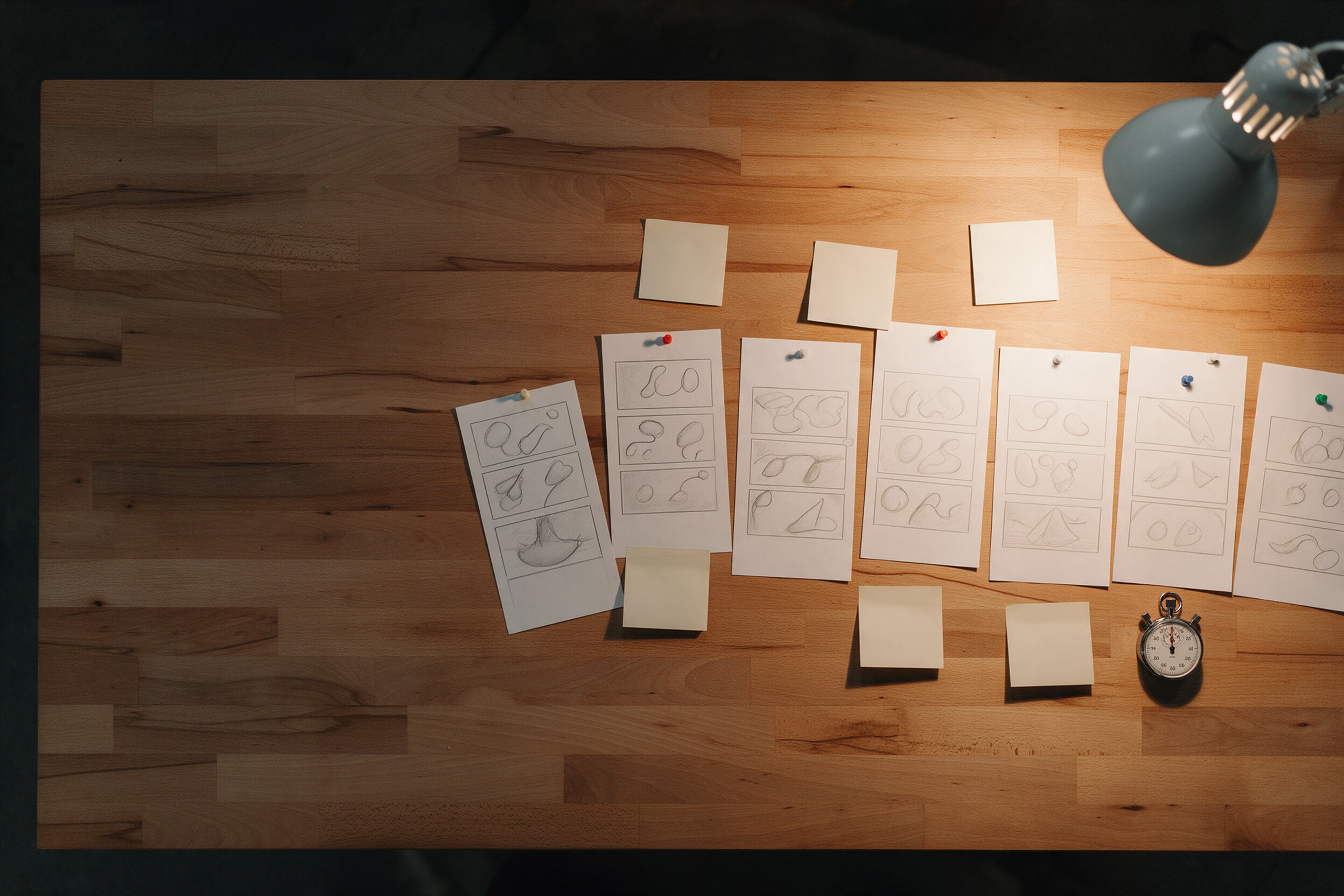
A storyboard is a sequence of drawings or frames that lays out the story, shot by shot. Sign off on:
- The order of scenes.
- What each scene shows, and what is on screen at each key moment.
- The message and the call to action.
- Any claims, product names and legal text, since these are cheapest to correct now.
A storyboard cannot prove that a reveal lasts long enough to be noticed. That is the animatic's job.
What is an animatic, and why is it the most important approval?
School of Motion describes an animatic as "a rough visual preview of your animation, timed to the voice over and/or music." It is built from rough sketches, so it is cheap to change.
The same article says it "opens the door to client feedback and revisions before you've actually animated anything" and warns that skipping this planning risks "a lot of poor compositions, timing issues, and dead ends."
At the animatic, approve:
- Pacing. Does each scene stay long enough to read?
- Length. Does the total fit the platform, such as a short social cut or a longer web piece?
- Voice-over and music timing. Do the words land with the right pictures?
- Text on screen. Is there time to read it?
Watch it twice: once with sound, once without. Many social videos are viewed muted.
What should you not change after the animatic?
Once animation starts, treat the animatic as locked. Late changes to story, order or length mean redoing finished work. Small adjustments to motion, such as an easing curve or the weight of a move, are normal and welcome.
A useful agreement is to say upfront which changes are free (motion polish) and which restart a step (new scenes or a new script). This keeps everyone honest on schedule and budget.
Who should approve, and how many people?
Pick one person who has the final word at each gate, and name the other reviewers up front. Motion projects slow down most when feedback arrives from five people who have not seen each other's notes. Ask for one merged list of comments per round, with timecodes at the animatic stage, such as "scene 3, 00:07, hold the logo longer."
It also helps to say what kind of feedback fits each step. At style frames, talk about look. At the storyboard, talk about story. At the animatic, talk about time. Comments that belong to a later step are not wrong, they are just early, and they are better saved for the moment they can be answered cheaply.
What does an approval step cost if you skip it?
Without a storyboard, the first thing you see is moving footage, and any change to the story means reanimating. Without an animatic, timing problems show up only in the animated version, when each fix touches many layers. School of Motion's warning about poor compositions, timing issues and dead ends is really a warning about cost.
We cannot give you a universal number, because projects differ in length and style. As a plain rule, the later a change arrives, the more finished work it touches. The approval steps exist to move your decisions to the point where changes are small.
How does this connect to the final files?
Decide the formats early. If the piece must work as a vertical reel, a square feed post and a wide ad, plan the layout for all of them at storyboard stage. Our guide on motion graphics deliverables covers what to ask for at delivery, and our overview What Is Motion Design? explains the basics.
Practical takeaway
Approve look at style frames, story at the storyboard, and timing at the animatic. Lock the animatic before animation. Name in advance what counts as a small change and what restarts a step.
We run motion projects this way at 35milimetre, because it keeps the creative decisions early and the surprises small. You can see our work at 35milimetre.com.