

An animation can be finished, approved and loved, and still fail on delivery day. The file will not upload. The background is black instead of clear. The logo is soft on a big screen. The web team cannot use a video at all.
Most of these problems come from one gap: nobody agreed on the files at the start. This guide explains the common motion graphics formats in plain words, so you know what to ask for. If you are new to the field, our guide What Is Motion Design? is a good starting point.
Two kinds of files: masters and delivery copies
It helps to think of two layers.
A master is the high-quality version you keep. It is large, has little or no compression (the process that shrinks files by throwing away detail), and is meant for editing, archiving and making other versions later.
A delivery copy is made for one place: Instagram, a website, a TV channel, an ad platform. It is small and compressed to that place's rules.
Always ask for both. If you only get the small social file, every future edit or new format starts from a weaker copy.
ProRes and alpha channels
ProRes is a family of video codecs from Apple (a codec is the method used to compress and store video). It is widely used for masters because it keeps quality high and is easy to edit.
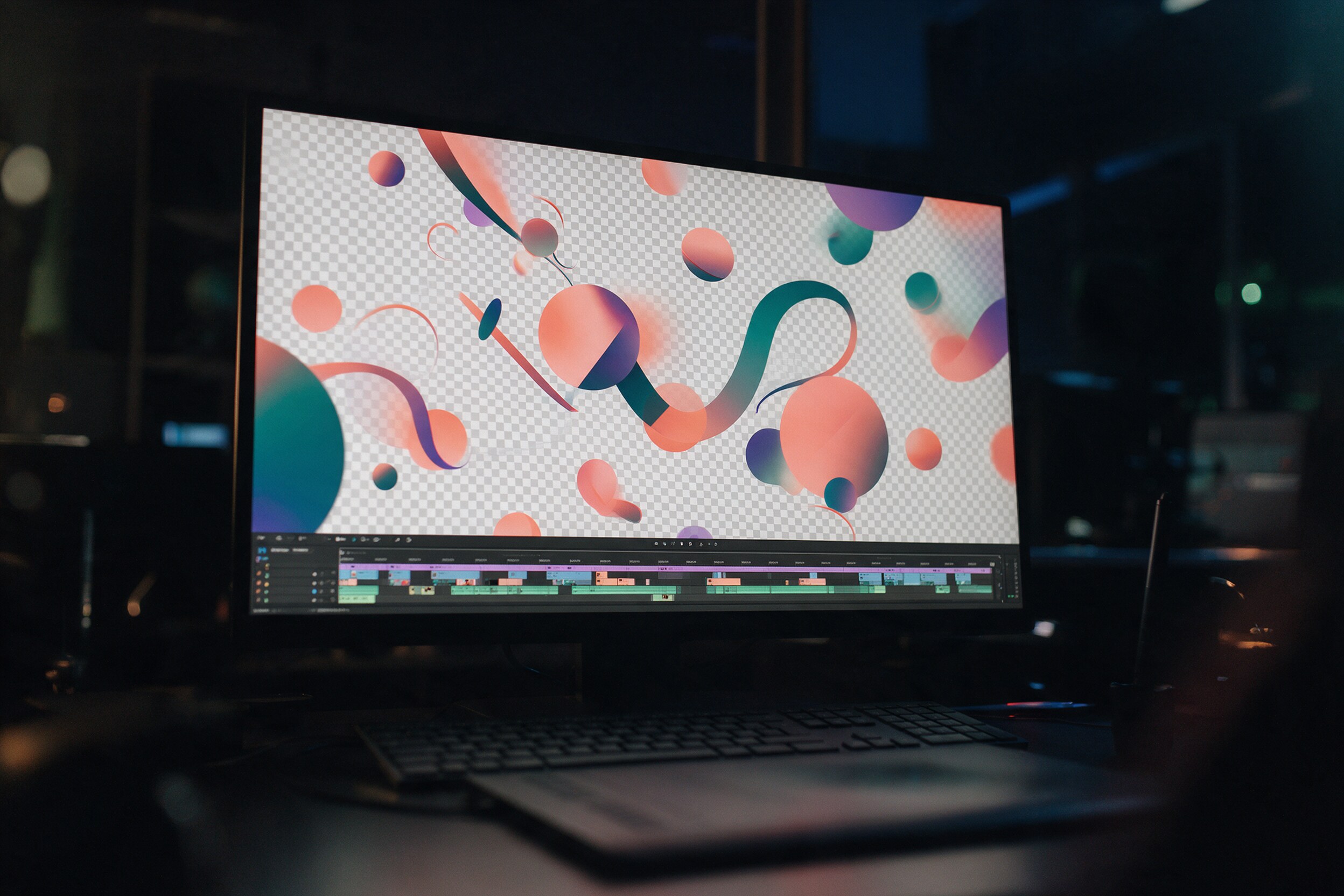
The part that matters most for motion graphics is the alpha channel. An alpha channel stores transparency: which parts of the frame are see-through. You need it when the animation will sit on top of other footage, like a lower third (the name bar at the bottom of an interview), an animated logo over a video, or a graphic placed into a live broadcast.
Not every ProRes version can do this. Apple says ProRes 4444 and ProRes 4444 XQ are the only ProRes codecs that support alpha channels (Apple). So if you need transparency, ask for "ProRes 4444 with alpha", not just "ProRes".
A common request is a "transparent MP4". Standard MP4 files made with H.264, the format most social platforms use, store colour only, with no transparency layer (Adobe Community). If someone sends you an MP4 that looks transparent, it is usually on a black or white background. For transparency, ask for ProRes 4444 or a PNG image sequence (one image file per frame, each with transparency).
Lottie for websites and apps
Lottie is different. It is not a video at all. It is a JSON-based file (a small text file) that describes an animation, so a website or app can draw it live. It started in 2015 as an After Effects plugin called Bodymovin (LottieFiles).
Because Lottie is based on vectors, it scales to any size without getting blurry, and files are usually much smaller than GIF or MP4, according to LottieFiles, which builds tools for the format. That makes it a good fit for icons, buttons, loading animations and simple illustrations on a website or in an app.
The limit is honest and important: Lottie only supports some After Effects features. Complex effects, 3D renders, real footage and heavy textures often do not translate. If you want a Lottie file, say so before the animation is designed, so it is built with the format in mind.
What to ask for, by channel
Here is a simple starting point. Always confirm the exact specs with each platform or media owner, because they change.
- Social media (Instagram, TikTok, LinkedIn): MP4 (H.264) delivery copies in each aspect ratio you need, such as 9:16, 1:1 and 4:5. Ask for versions with and without captions.
- Website hero or background video: a compressed MP4, kept short and light, plus a still image to show while it loads.
- Website icons and UI animation: Lottie (JSON), with a fallback still or GIF.
- Broadcast or cinema: follow the broadcaster's technical spec sheet exactly. Send it to your studio on day one.
- Graphics for editors (lower thirds, logo stings): ProRes 4444 with alpha, or PNG sequences.
- Paid ads: the ad platform's current specs for each placement, plus a ProRes or high-quality master.
- Archive: a ProRes master of the final edit, and the project files if your contract includes them.
A practical takeaway
At the start of any motion project, write one short delivery list: where the animation will appear, the aspect ratios, the lengths, whether you need transparency, whether you need Lottie, and who checks the files. Ask for a master plus delivery copies. Test one file on the real platform before the full delivery.
These questions take ten minutes at the start. They save days at the end.
Clean delivery is part of good motion design, not an afterthought. If you would like to see our motion and animation work, you can find it at 35milimetre.com.