


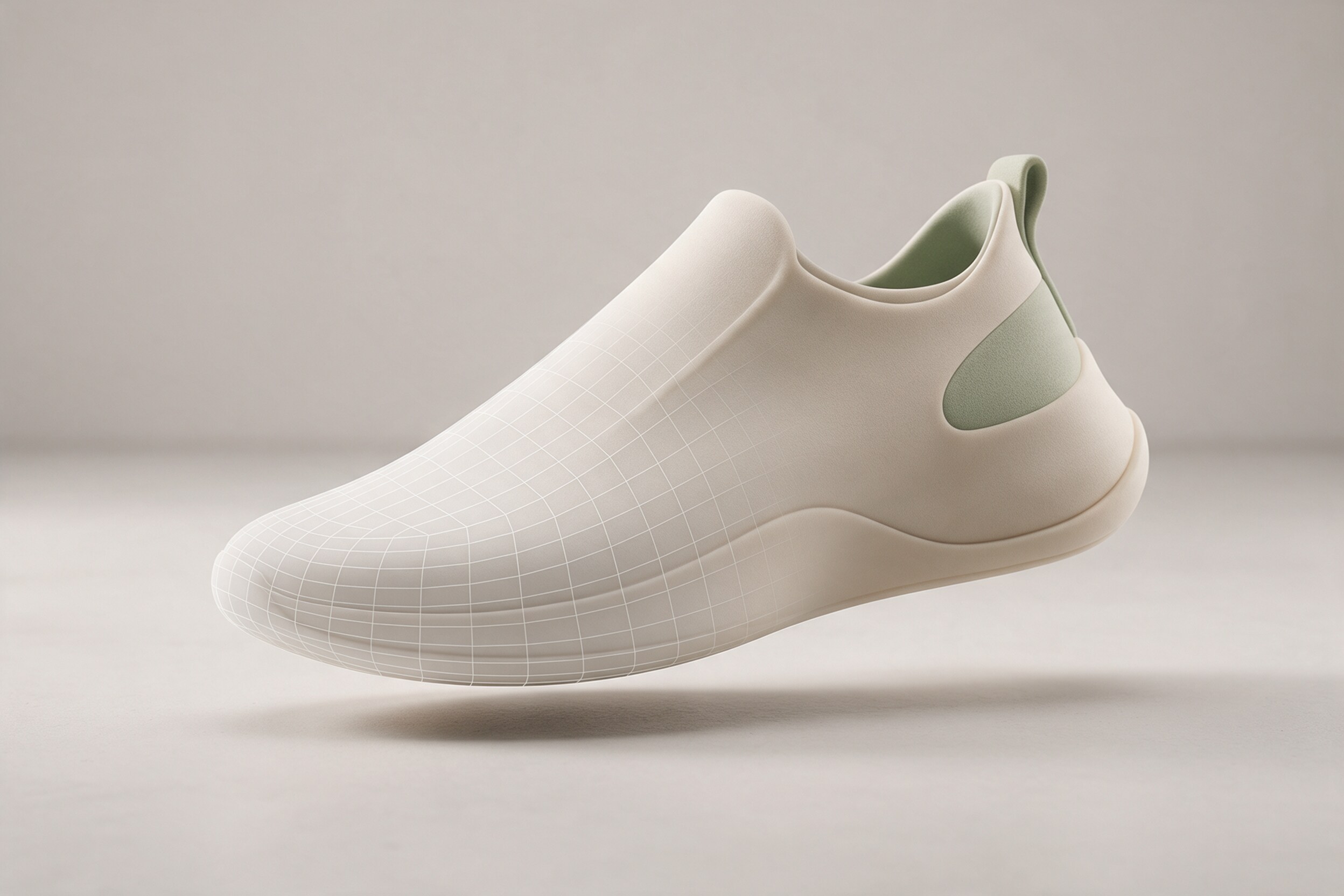
A 3D product viewer on a store page is only as good as the file behind it. Send a heavy render model and the page crawls on a phone. Send an unprepared one and the product floats in space, at the wrong size.
If you are ordering a GLB or USDZ product 3D model for e-commerce or AR, you do not need to be a 3D artist. You do need to know which formats to ask for, what limits to set, and what to check on delivery. This guide gives you that list.
What are GLB and USDZ, and which one do you need?
Both are packaged 3D files that a web page or phone can open directly.
- GLB is a single-file version of glTF, a common format for the web. It bundles the mesh and textures together. Most web viewers and many stores accept it.
- USDZ is Apple's format for AR Quick Look, the feature that lets an iPhone place a product in your room.
For a Shopify store, Shopify's 3D model checklist says to deliver models as GLB, and to use USDZ only if a merchant needs it for the older 3D Warehouse app. If your audience is mostly on iPhones and you want in-room AR, ask for both.
How big can the file be?
Shopify's checklist says the total file size should be about 4 MB, and some placements need even less. That is far smaller than a typical render model, which is why a delivery-ready file is a separate job from the render scene.
Apple does not publish a file size limit in the sources we checked. Its numbers are about content, which leads to the next point.
What polygon and texture limits should you set?
Apple's recommended limits for AR Quick Look come from a 2018 WWDC talk, quoted in a thread on Apple's developer forum: 100,000 polygons, one set of 2048 x 2048 textures, and animation of 10 seconds or less. An Apple engineer confirmed in that thread that these are still the recommended specs, meant to ensure that supported devices, down to iPhone 7, load and display the model well.
Shopify adds that textures for mobile web should not be larger than 2048 x 2048 px, and that large products may need at least 2K textures. It gives no polygon number, only to keep the count as low as possible while keeping product detail.
A safe brief therefore reads: under 100,000 polygons, textures at 2048 px or less, and a file around 4 MB for a store listing.
What else should a good product model include?
From the same Shopify checklist, ask for:
- Real-world scale. The model should use correct units, so an AR preview of a 73 cm table is 73 cm.
- A centered origin at the base. The product should sit on the floor of the scene, not hover.
- Standard material maps. Diffuse, normal, and a combined map for occlusion, roughness and metalness.
- One material where possible, matching your reference photos.
- Clean UVs. Non-overlapping, so textures do not smear.
- One combined object with transforms frozen and history deleted.
You do not have to explain these. Pasting the list into your brief is enough.
Why does the render model differ from the viewer model?
A model made for a marketing render can use millions of polygons and large textures, because it is rendered once on a powerful machine. A viewer model has to load in a second on a phone. So we build the web version as a lighter copy of the approved model, and compare it with the render side by side so the product stays true.
That is also how one approved 3D scene serves many products, as we describe in rendering many product variants.
What about variants and colorways?
If a product comes in several colors or sizes, ask for one master model with swappable materials, not a separate model for each. That keeps scale and shape identical across the range and makes later changes easy. Ask the studio how they name the files, so "blue-500ml.glb" and "green-500ml.glb" are easy to match with your product catalog.
Also decide whether the viewer needs moving parts, such as an opening lid. Animation is possible, but Apple's recommended limit for AR Quick Look is 10 seconds or less, and every moving part adds to the file size. For many products, a still model that can be rotated and placed in a room does the job.
Do you need the 3D model for anything else?
Often yes. The same approved model that powers the viewer can also produce packshots, ad images and short animations. Ask who owns the source scene, and ask for the source files in your contract. That way a later campaign does not start with rebuilding the product from scratch.
How do you check the delivery?
Before accepting the files:
- Open the GLB in a web viewer and rotate it fully. Look for holes, flipped surfaces and stretched textures.
- Open the USDZ on an iPhone and place it in a room. Check the size against the real product.
- Check the file size and texture dimensions against your brief.
- Compare colors with your product photos or sample.
- Test it on the real product page, on a mid-range phone and a slow connection.
Practical takeaway
Ask for GLB, plus USDZ if iPhone AR matters. Set limits in the brief: about 100,000 polygons or fewer, 2048 px textures or smaller, and around 4 MB for store listings. Require true scale and a base origin, and test on a real phone.
We build product 3D for rendering and for the web. If you want a model ready for your store, see our work at 35milimetre.com.