

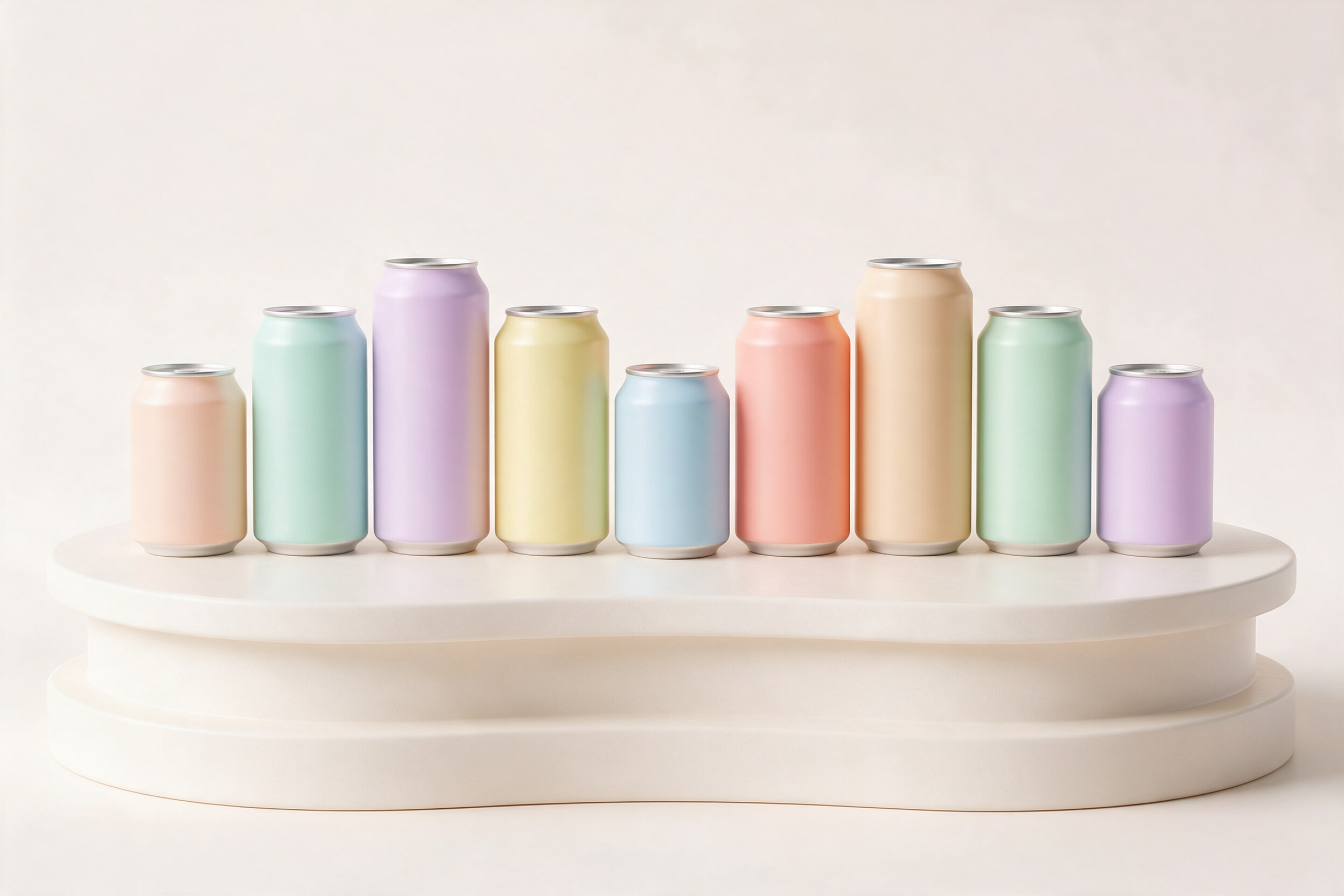
A product line rarely has one product. A drink comes in six flavors. A bottle comes in three sizes. A sneaker comes in eight colorways. Photographing every version means getting every sample, shooting each one, and retouching each one. Small differences in light and angle creep in, and the grid on your website stops looking like one family.
This is where 3D earns its place. Not because one render is cheap, but because the second, tenth and fortieth version can be. Here is how that works, and how to plan and budget for it.
Build once, change only what changes
The idea is simple. You build and approve one master scene: the product model, its materials, the camera angles, the lighting and the background. Then each variant is a small change to that scene, not a new job.
Most render software is built for this. KeyShot, for example, has Multi-Materials for non-destructive material swaps and colour studies, Model Sets for different versions of a model in one file, and Studios that save a camera, environment and material choice together for each version (KeyShot manual, KeyShot blog). Other tools work in similar ways. The result is that every variant is lit and framed exactly the same, which is very hard to do with a camera.
We covered the full process from files to final image in our 3D product rendering workflow guide. This article focuses on what happens after the first approval.
What changes per SKU, and what it costs
SKU means stock keeping unit: one specific version of a product, like the 500 ml lemon can. Not all SKU changes are equal. Roughly from cheapest to most expensive:
- Colour change. Same shape, same label layout, different colour. Usually a quick material swap.
- Label or artwork change. A new flavor with new artwork on the same pack. The new artwork must be mapped onto the model and checked for distortion and readability.
- Material change. Matte to gloss, clear glass to frosted, metal to plastic. These need new material set-up and a lighting check, because different materials react to light differently.
- Size change. A 330 ml can next to a 500 ml can. If the proportions change, the model must be rebuilt or adjusted, and the camera framing may need to move.
- New shape. A different cap, a new bottle, a new pack. This is close to a new product.
When you budget, it helps to separate two parts: the master (modelling, materials, lighting and first approval) and the per-variant cost (each extra SKU). The master is the big cost. Each variant should then be a much smaller, predictable cost, as long as the changes stay in the cheaper groups above. Ask your studio to quote both parts separately, so you can see how the price grows with the range.
Prepare files so variants are fast
The speed of a variant job depends mostly on what you send. For each SKU, prepare:
- Final print-ready artwork, in the same layout and naming as the others.
- Exact colour references (Pantone or brand colour values, plus a physical sample if colour is critical).
- Technical drawings or measurements for each size.
- A simple spreadsheet listing every SKU, its artwork file, size, colour and the views needed.
Consistent file naming sounds boring, but it saves real time. When fifty files arrive with names like "final_v3_new", someone has to match each one by hand.
Also decide the views once. If the master has a front, a three-quarter and a back view, every SKU gets the same three. Adding a new angle halfway through means going back to every variant.
Where AI fits, and where it does not
AI image tools are useful at the edges of this work. They are good for quick mood and lifestyle ideas, for testing a colour direction before the 3D set-up, and for building backgrounds and settings around a finished render.
They are not good at keeping a product exact. Labels drift, small text breaks, and shapes change slightly between images. For a product grid where every SKU must match the real pack, we keep the product itself in 3D and use AI for the world around it. Once the 3D renders exist, they also make strong references for AI lifestyle images, because the model has a correct product to follow.
A practical takeaway
Before you start a multi-SKU project, list every variant in one sheet and sort them by type of change: colour, artwork, material, size or shape. Approve one master scene completely before any variants begin. Ask for a quote that shows the master cost and the per-variant cost separately. And send all artwork in one consistent format, with clear names.
If your range will grow over time, ask the studio to keep the master scene ready, so new flavors next season are a variant job, not a new project.
3D is at its best when a product family needs to look like a family. If you would like to see our 3D and packaging work, you can find it at 35milimetre.com.