


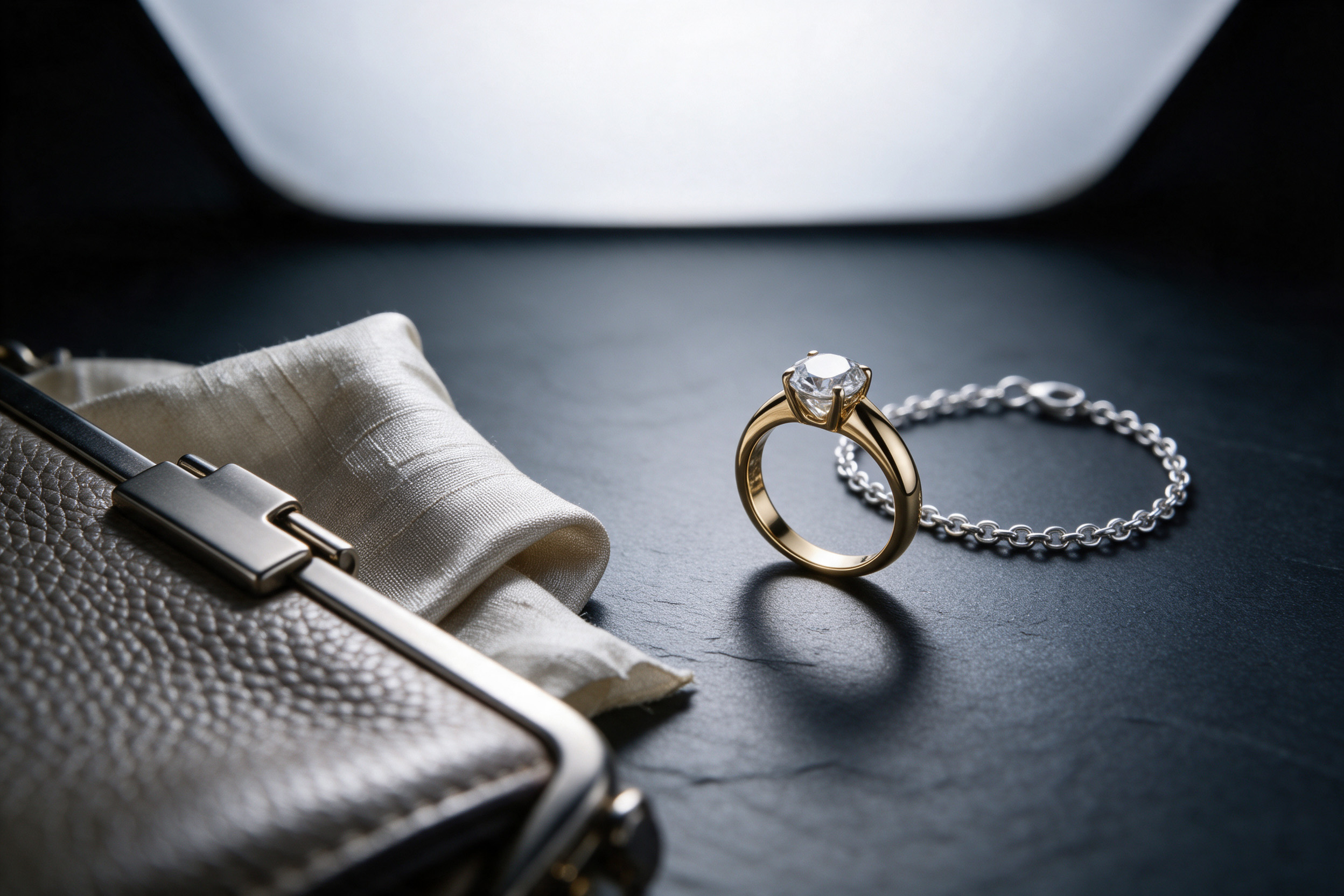
A good jewelry retouching service can make a ring look the way it looks in your hand: clean metal, bright stones, sharp edges. A vague brief makes the same job slow and expensive. Most of the back-and-forth we see in jewelry and soft goods work does not come from hard retouching. It comes from missing information at the start.
Metal, stones, leather and fabric are some of the hardest surfaces to photograph. They reflect the studio, pick up dust, show every scratch and change colour under different light. The retoucher has to decide what is a flaw and what is the product. If the brief does not say, the retoucher guesses.
This article is a plain guide to what to send, what to ask for and what to agree on before the first file is edited. It builds on our earlier piece on what comprehensive actually means in e-commerce product photography and retouching.
What should you send with a jewelry retouching brief?
The raw images are only half of the job. These extra items save the most time:
- The real product, or close photos of it in daylight. A phone photo next to a window shows the true metal colour and stone colour better than a studio shot with coloured reflections.
- Metal and stone details. Yellow, white or rose gold; silver; plated or solid; which stones and their real colour. "Gold" is not enough: yellow gold and gold plating can look different on screen.
- One approved reference image. A finished image you already like, from your own catalogue if possible. It tells us the brightness, contrast and shadow style faster than any description.
- Your sales channel and its rules. A marketplace main image, a website hero and a social post have different needs. Many marketplaces want a pure white background for the main image; seller guides for Amazon, such as this one from Jungle Scout, list it as a core rule.
- Final sizes and crops. Square, portrait, landscape and the largest size you will need for zoom.
If you can only send one extra thing, send the daylight photo. Colour is the most common source of revision rounds.
Metal and stones: what can change, and what must not
Retouching jewelry is mostly about reflections. Polished metal is a mirror. In the raw photo it shows the camera, the softbox, the photographer and the dust in the room. Good retouching replaces messy reflections with clean, smooth gradients that still describe the shape: a ring band should still read as round.
Things we normally fix without asking: dust, fingerprints, small scratches from handling, polishing marks, prong shadows that look like dirt, and uneven reflections.
Things we should not change without a clear instruction: the colour of a stone, the size of a stone, the clarity of a stone, the metal colour and engraving details. This is not only a taste question. In the United States, the FTC's Guides for the Jewelry Industry say it is deceptive to misrepresent things like colour, cut, size or quality, and they add that a depiction showing a gemstone bigger than its real size may mislead buyers unless the true size is disclosed. A retoucher can make a stone sparkle; a retoucher should not make it a different stone.
Put this in the brief as two short lists: "clean up" and "do not touch". It removes most of the guessing.
Bags, leather and fabric: keep the texture
Soft goods have a different problem. The risk is not too little cleaning; it is too much.
On leather, we remove dust, stray threads and small marks from handling. We keep the grain, the stitching and the natural variation in colour. Over-smoothed leather starts to look like plastic. On fabric, we remove creases from packing and lint, but keep the weave and the way the material falls. Silk should still look like silk.
For bags, tell us these things in the brief:
- Should the bag be stuffed and shaped, or shown soft and natural?
- Are straps and handles shown up, down or removed for the main image?
- Is hardware, such as clasps and zips, shown polished or as-is?
- Is there a colour swatch or a Pantone reference for the material?
The same rule as jewelry applies: the customer will hold the real item. A bag that looks deeper in colour or smoother than it is will come back as a return.
Placing products on a model
On-model images are where retouching and compositing meet. There are two common jobs.
The first is cleaning a real on-model photo: skin, hair, background, and the product itself. Here the brief should say how much skin retouching you want. Our default is light: remove temporary marks, keep skin texture.
The second is placing a product onto a model shot separately, or onto a generated model. This needs more planning. We need the product photographed at a similar angle and under similar light to the model shot. A necklace shot flat on a table will not drape correctly on a neck. Earrings need the right scale against the ear. Rings need the right size against the finger, and the finger must hold the ring in a natural way.
For this work, send the model images and the product images together, and tell us the real size of each piece in millimetres. Scale errors are easy to make and hard to notice until a customer complains.
A short checklist before you send the job
Before you brief a jewelry or soft goods retouching job, check that you have:
- Raw files at full resolution.
- A daylight photo or the physical product for colour.
- Metal type, stone type and real sizes.
- One reference image you like.
- A "clean up" list and a "do not touch" list.
- Sales channel, background rules and final crops.
- For on-model work: model shots, product shots at matching angles, and real dimensions.
With these seven items, the first round is usually close. Without them, the first round becomes a conversation.
Where we fit
Product retouching has been a core part of Mehmet's 26 years in post-production. We are happy to read a brief and say honestly what is easy, what is hard and what needs a reshoot instead of retouching. You can see our retouching and compositing work at 35milimetre.com.