

Most small brands do not need another AI subscription. They need someone to set it up once, so the output looks like their brand every week, and so whoever is in the office can run it without learning a new tool.
That is the idea behind a Figma Weave workflow for brands: a studio builds the process, your marketing team presses the button. This post explains what Weave is, who does what, what goes inside a brand workflow, what it costs to run, and what to ask before you commission one.
What is Figma Weave, in plain words?
Figma Weave is a node-based canvas where image, video and text models and editing steps are wired into a repeatable workflow. It started as Weavy, a company founded in Tel Aviv in 2024, which Figma announced it had acquired on October 30, 2025 (Figma). It runs in the browser and is a separate product from Figma Design, with its own pricing.
Build once, run every week: who does what?
The studio builds the graph. That means choosing the models, setting the brand rules, wiring the steps and testing the result until it is dependable. The marketing team then uploads a product shot, picks a campaign or season, and presses Generate.
Weave has a feature for this handover, called App Mode. One independent analysis describes it as turning a complex node workflow into a simplified interface that shows only the inputs a teammate needs to change, such as a text prompt, a color palette or a reference image (Creative AI News). The same article does not say which plans include it, so check that with Figma before you promise it to a client or a team.
The comparison that helps most is a spreadsheet template: the formulas are locked, and people only type into the cells made for them.
What goes inside a brand workflow?
Here is one illustrative example. It is not client work; it is the kind of chain a studio would build.
- Product photo in. A clean, accurate image of the real product.
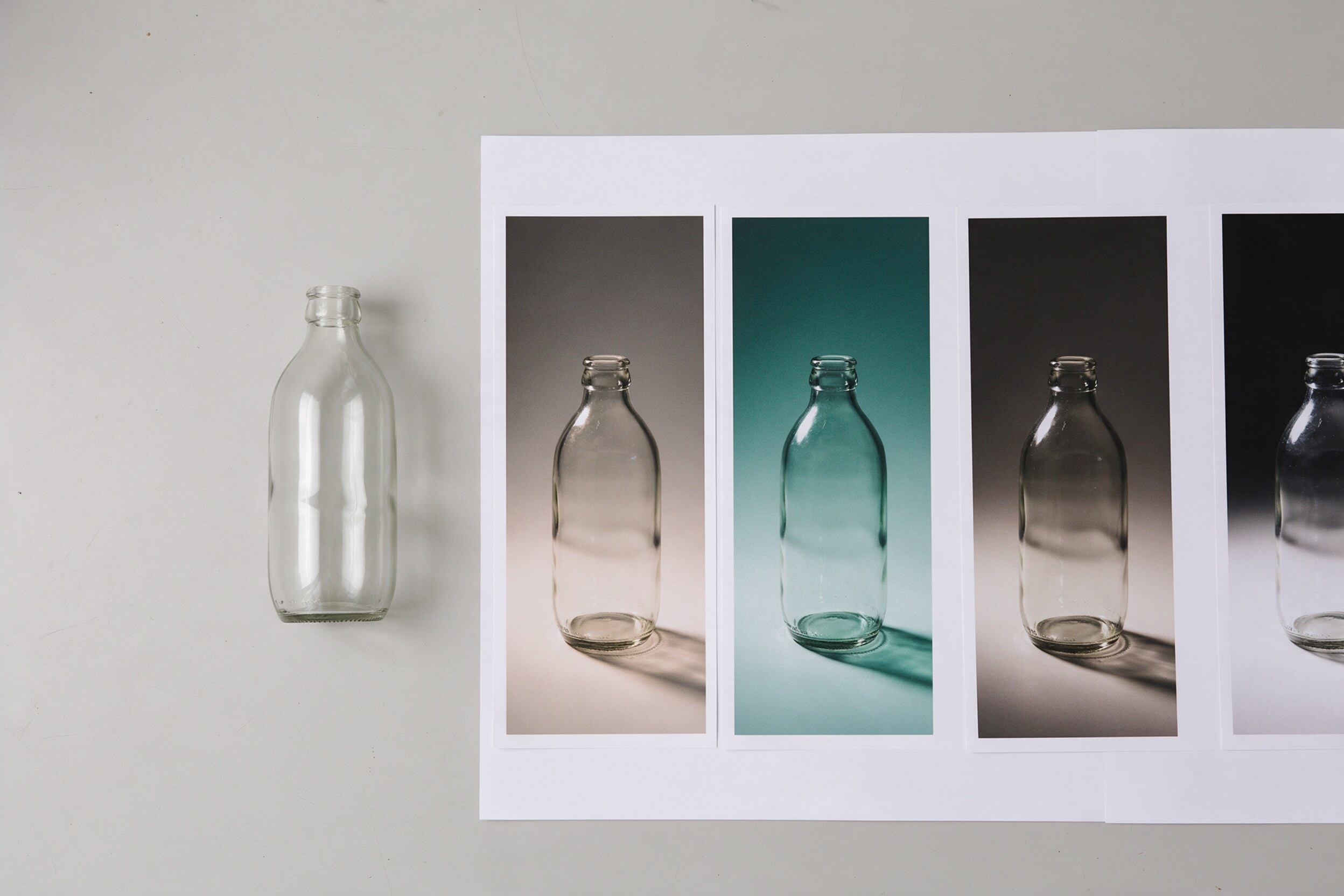
- Scene. A background built from the brand palette, with the product kept as it is.
- One signature grade. A single color look applied the same way every time.
- Upscale. A sharper, larger version for print and large screens.
- Crops. Versions for 1:1, 4:5 and 9:16.
- Captions. Short posts in two languages, drafted by a language model.
- Back into the template. The real logo and type are placed in a design file, not generated.
Figma's own Workflow Lab post, dated October 1, 2026, walks through a similar build. It uses a Figma node to keep linked frames in sync, an Image Describer, a Color Palette node, a Gen Effect node and a language-model node for each language, and the localized posts return to the design file as editable text, each language in its own frame. The museum in that example is fictional (Figma, Workflow Lab).
In our work, the hard part of a brand workflow is not wiring the nodes. It is the taste decisions baked into it: the palette, the light, the grade, the crop. That is 26 years of post-production judgment, packaged so a marketing team can repeat it.
What does it cost to run?
Cost has two parts: the build, and the credits each run uses. Ask for them separately, along with any monthly support.
For credits, Weave is billed separately from Figma. A third-party review updated on September 25, 2026 lists the plans from Weave's pricing page: Free with 150 credits a month, Starter at $19 a month billed annually with 1,500 credits, Professional at $36 with 4,000 credits, and Team at $48 per user with 4,500 credits per user in a shared pool (UXMagic). Treat these as a snapshot and confirm them on Figma's pricing page, because plans change.
The same review notes that image counts are averages, that costs vary by model, and that premium video models use credits quickly. Each run shows its cost before it starts. So estimate the cost per finished asset, not per month.
Where does a person still have to check?
Three places, always.
- Logos and brand marks. The review above calls these a weak spot, since they need vector output and exact letterforms. Place the real logo in a design file, never in the generator.
- Label text and product shape. Compare against the real pack before anything is posted.
- Rights and model terms. If an image goes into paid ads, check the terms of the model and of your plan.
For the wider question of briefing and approving AI imagery, see our post on how to art-direct AI imagery so it matches your brand guidelines.
What should a studio hand over?
When the build is done, you should receive more than a link:
- The workflow itself, in an account your company owns.
- A one-page guide for the person who will run it.
- A short handover session, with a real product run through it.
- A list of the models used and what to do when one is retired.
- A note on who maintains it and how updates are requested.
Practical takeaway: six questions before you commission a workflow
- Who owns the workflow and the account it runs in?
- Which models does it use, and what happens when one is retired?
- What is the credit budget per month, and the expected cost per finished asset?
- Who maintains it when the brand or the tools change?
- Is there a handover session and a one-page guide?
- Where is the human check before anything is posted?
If the answers are clear, you have a system. If they are vague, you have a demo.
If you want a workflow built around your own brand, you can see our work at 35milimetre.com.